
How to Set your Email Signature
In Outlook for web:
- Select the gear icon (settings) in the upper right-hand corner of the screen.
- In the window that pops open, go to the “Account” > "Signatures" section.
- There you can add a signature or click the "pencil" icon.
- Edit your signature, then click "save.
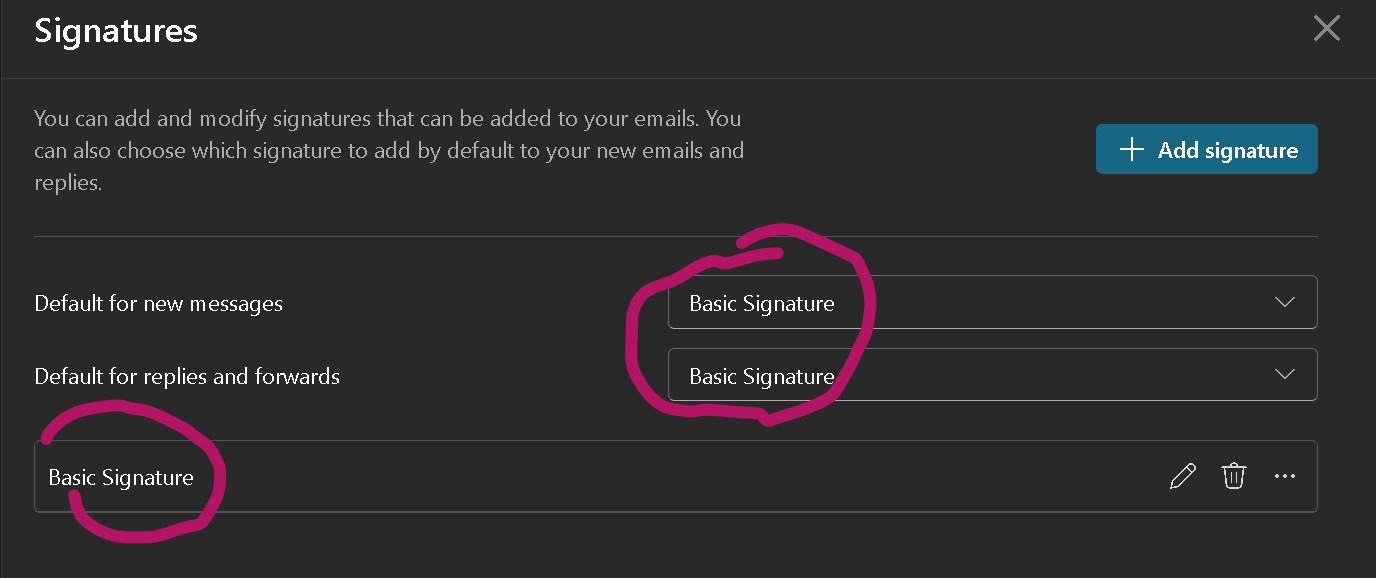
- Verify that your YMCA signature is set as the default for New Messages and Replies/Forwards. These three boxes should be the same:
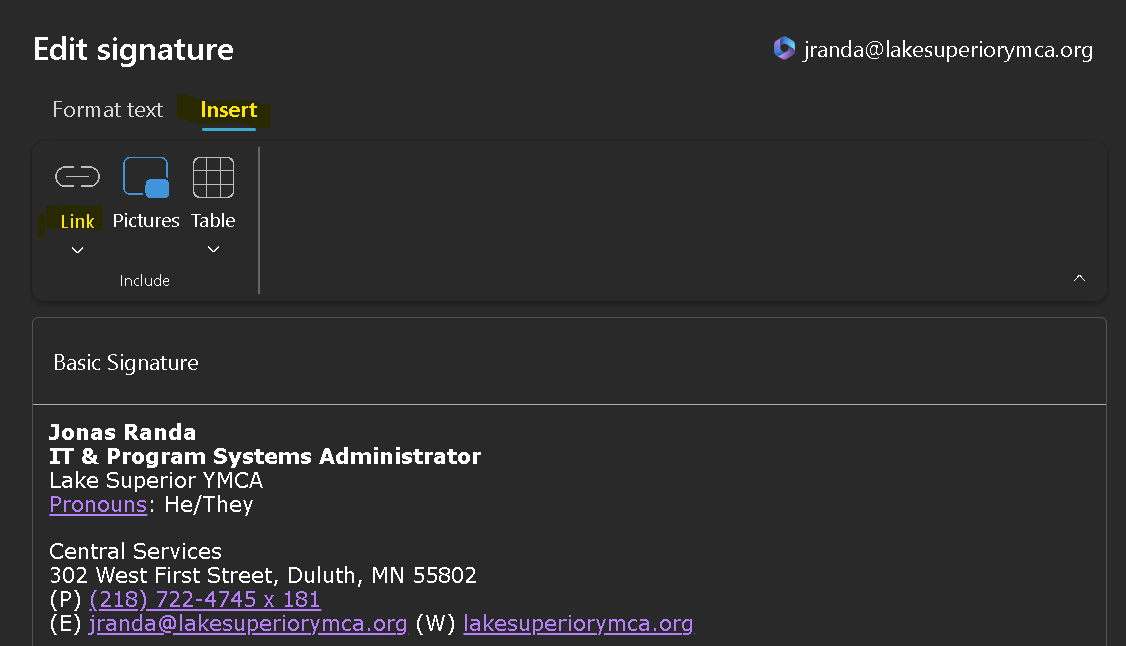
Quick tip! Remember to change the links too, not just the text!
In Outlook app:
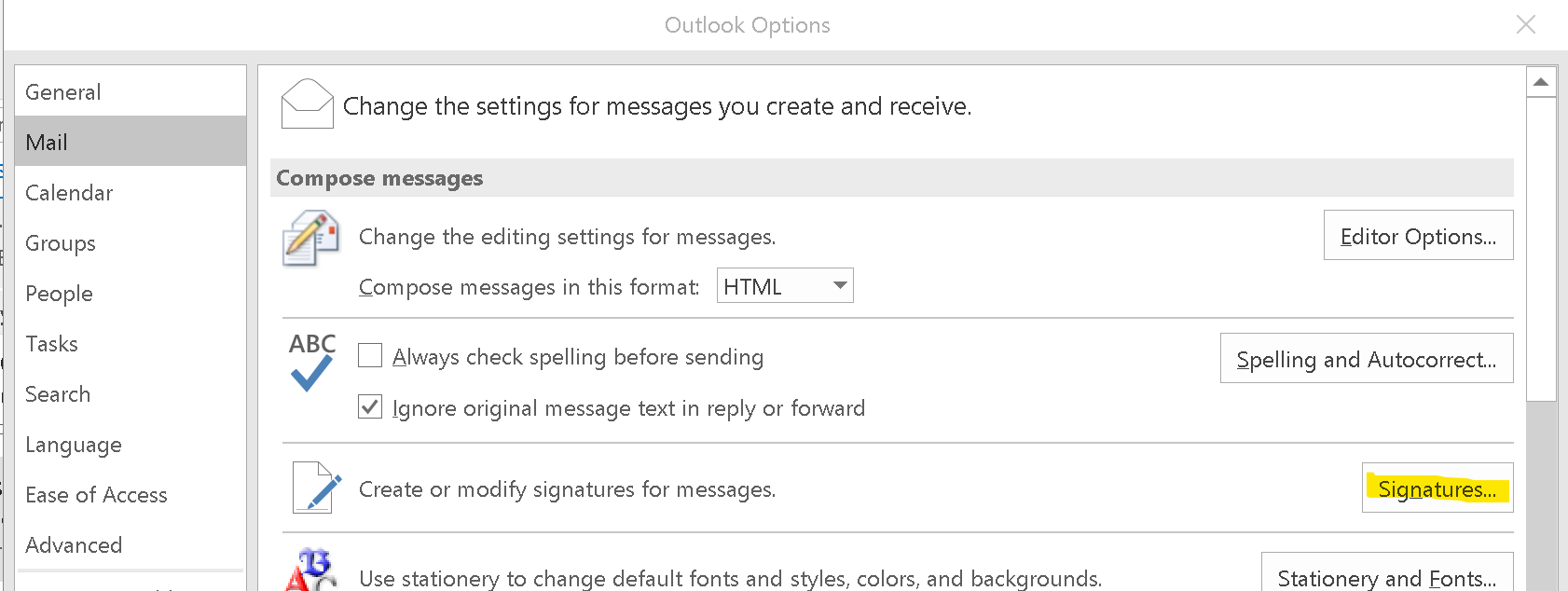
- Select File > Options > Mail > Signatures.
- Either select an existing signature or select "New". If New, name it.
- Enter signature in the text box & save!
Email Signature Format
Email Signature must not include any color background or designs, font colors, modifications of format, quotes, or images (including the Y logo). The signature must be Verdana font in font size 10.
Firstname Lastname (bold)
Title (bold)
Lake Superior YMCA
Pronouns: XXX/XXX/XXXX
Your Branch/Office Name
Your Branch/Office Address
The Y: We’re for youth development, healthy living, and social responsibility